Return to Azeroth
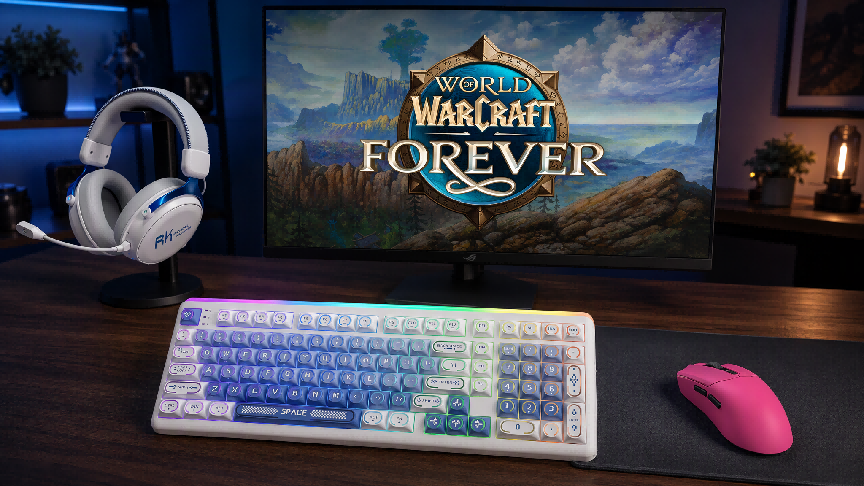
World of Warcraft: Forever Gaming Setup: Control, Audio Detail, and Atmosphere
MG6 Pro · HG105 · R99
On this page
Returning to Azeroth is not only about choosing a class or preparing for a dungeon. It is also about how your desk feels when the music starts and your character steps into a familiar but changed world.
World of Warcraft: Forever builds on the original level 1–60 journey with reimagined zones, new quests, dungeons, systems, and character options. A suitable setup should support group content, but it can also make every return to Azeroth feel like an occasion.
The RK MG6 Pro, HG105, and R99 approach that goal differently: responsive mouse control, detailed game audio and voice chat, and a keyboard that combines everyday functionality with personalization.
What Makes a Good Gaming Setup for WoW: Forever?
A typical session can involve camera movement, target selection, ground-targeted abilities, guild chat, interface adjustments, and party voice chat. Slower evenings of questing, professions, and exploration place different demands on the same equipment.
A useful World of Warcraft gaming setup therefore needs three things:
- Control:
comfortable mouse movement and accessible inputs.
- Information:
game audio and voice chat that remain easy to follow.
- Atmosphere:
a desk you want to return to for short logins and longer sessions.
There is no single best configuration. A raider, a returning quester, and a roleplayer can use the same products while valuing different parts of the experience.
RK MG6 Pro: Responsive Control for a Busy Interface
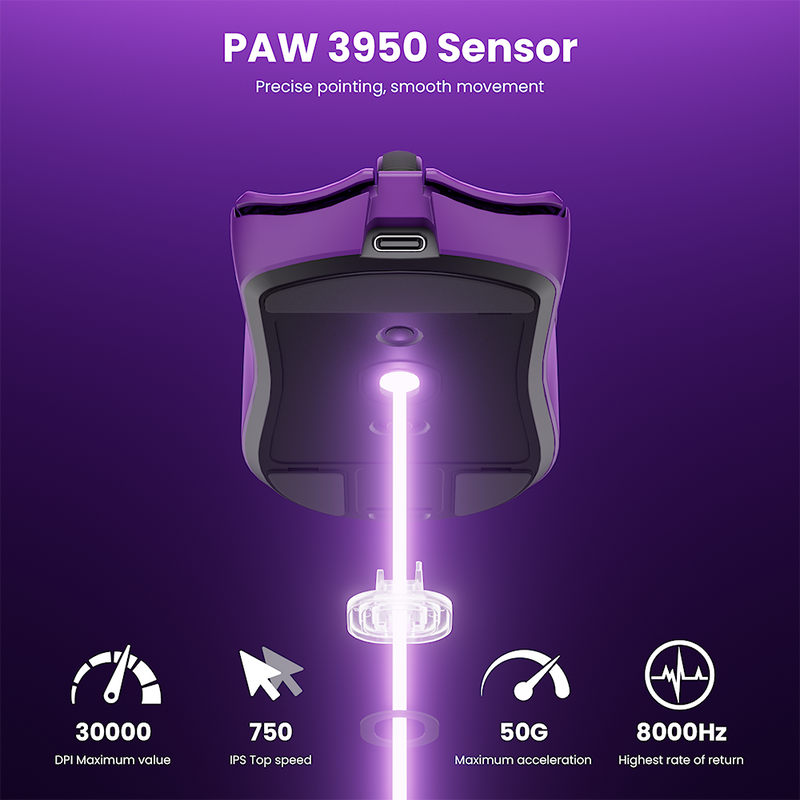
The RK MG6 Pro wireless gaming mouse is the performance-focused part of this trio. It is intended to keep camera movement, targeting, and interface interactions direct and manageable.
Its role extends beyond combat. Controlled pointer movement helps when selecting an NPC, managing bags, placing an ability, or moving between unit frames and action bars. During a dungeon, those small interactions happen alongside movement and party coordination, making consistency more useful than an extreme sensitivity setting.
Start with a sensitivity that allows comfortable camera turns without losing control of small interface targets. Test it while questing before adjusting it for group content. If you frequently overcorrect, try a lower setting; if large turns require repeated lifting, a modest increase may help.
For players seeking a high-performance wireless gaming mouse for World of Warcraft, the MG6 Pro fits both combat and the many clicks and camera adjustments between encounters.
RK HG105: Hear the World and Your Party
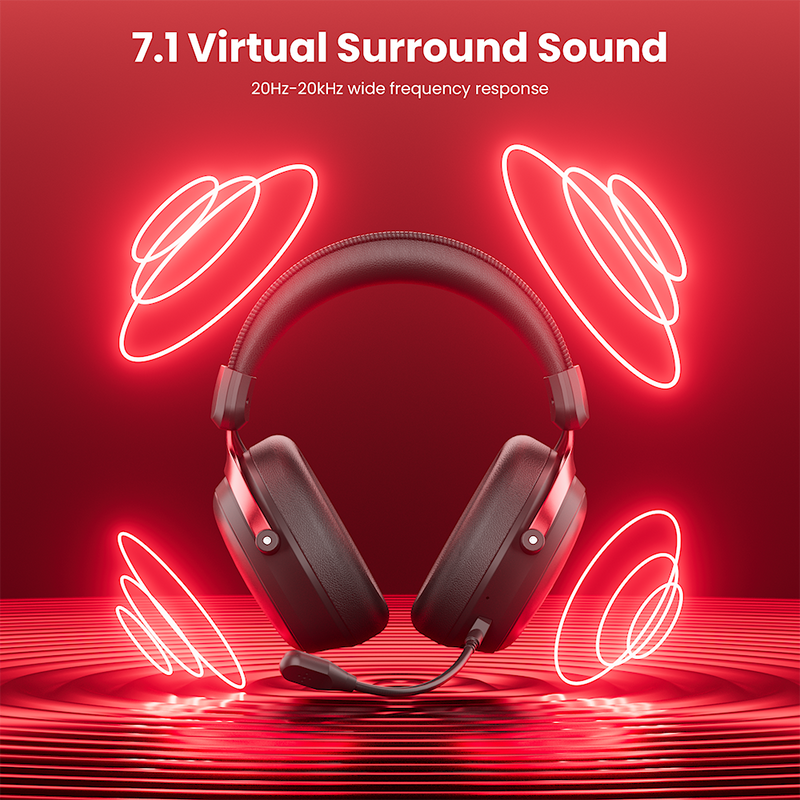
WoW audio includes music, ambient sound, spell effects, dialogue, and voice chat. The RK HG105 wireless gaming headset is designed for players who want those details without overlooking communication.
Its 53mm drivers handle the game’s soundscape, while Virtual 7.1 can create a more spacious presentation with compatible content and settings. This is virtual surround processing, not a physical seven-speaker arrangement. Compare it with stereo: you might prefer one mode for exploration and another when voice chat is the priority.
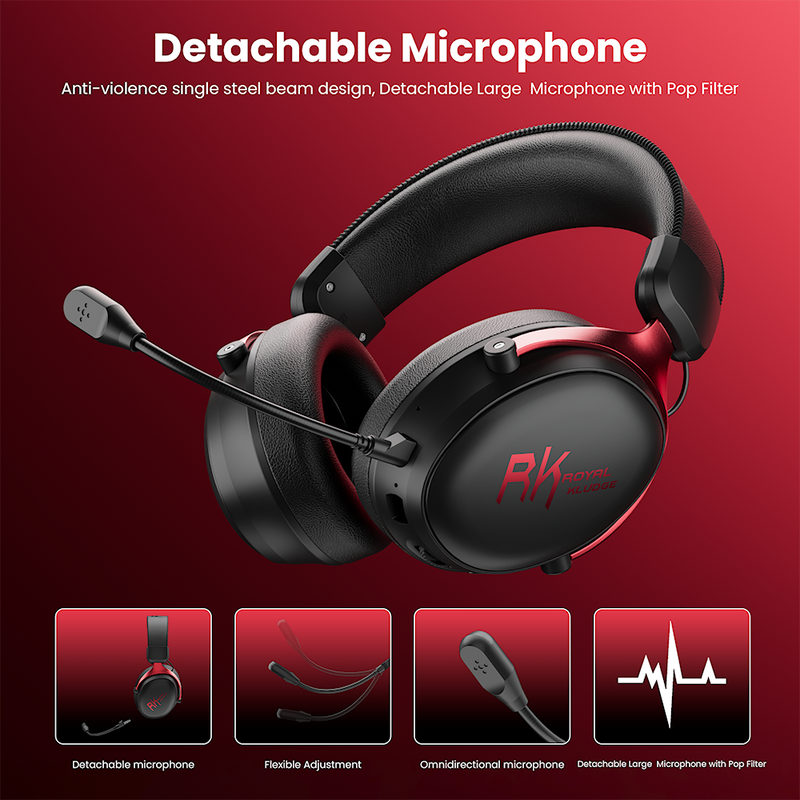
The detachable noise-canceling microphone is designed to help keep speech clear and reduce unwanted background sound. Remove it when you only want to quest or listen to the soundtrack. Four-mode connectivity adds flexibility between compatible devices, while the 282g design and 1000mAh battery support regular wireless use. Actual runtime and comfort vary with settings, fit, and usage.
For a wireless gaming headset for WoW, the HG105 is less about manufacturing a competitive advantage and more about preserving atmosphere while keeping party communication accessible.
RK R99: Performance Is Only Part of Its Appeal
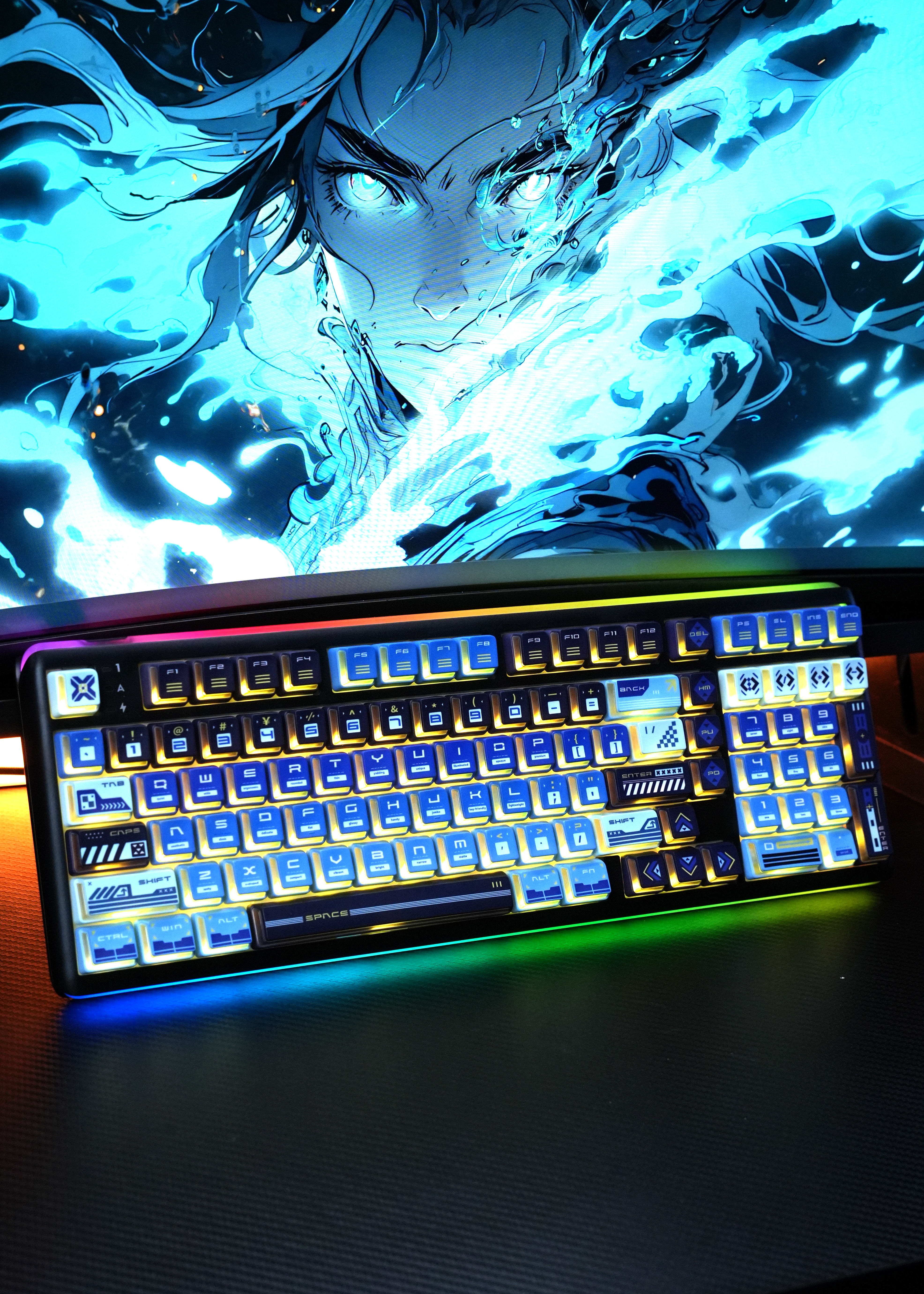
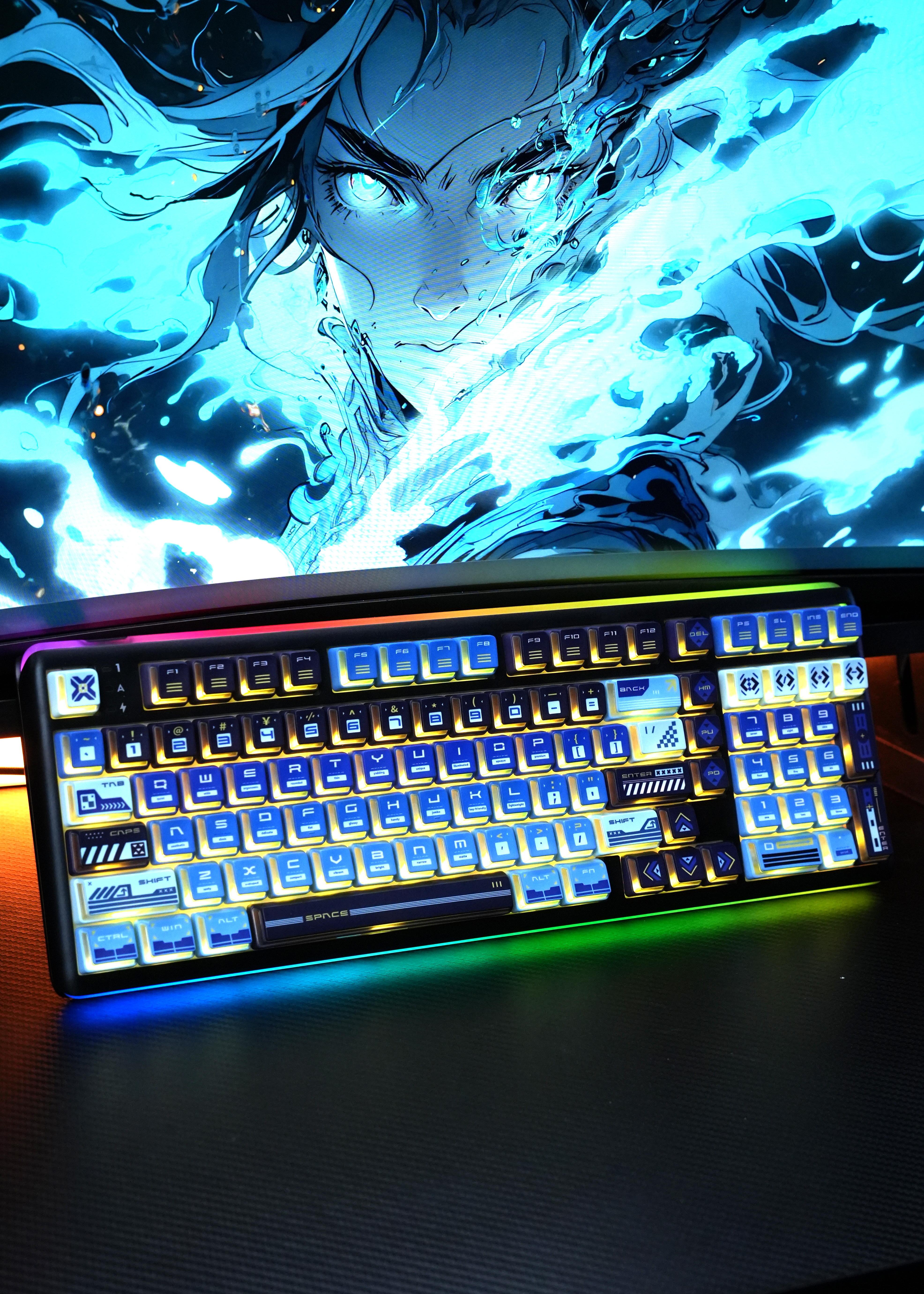
The RK R99 wireless mechanical keyboard supplies the practical foundation: a 101-key layout with a number pad and function row, wired and wireless connectivity, hot-swap support, and Dual 8K polling. That leaves room for keybinds, chat, interface commands, and ordinary desktop work.
Its more distinctive role is emotional. A keyboard is something you touch constantly and see between encounters. The R99’s gasket-mounted design supports its typing feel, while compatibility with 3-pin and 5-pin mechanical switches lets you explore a different feel without soldering.
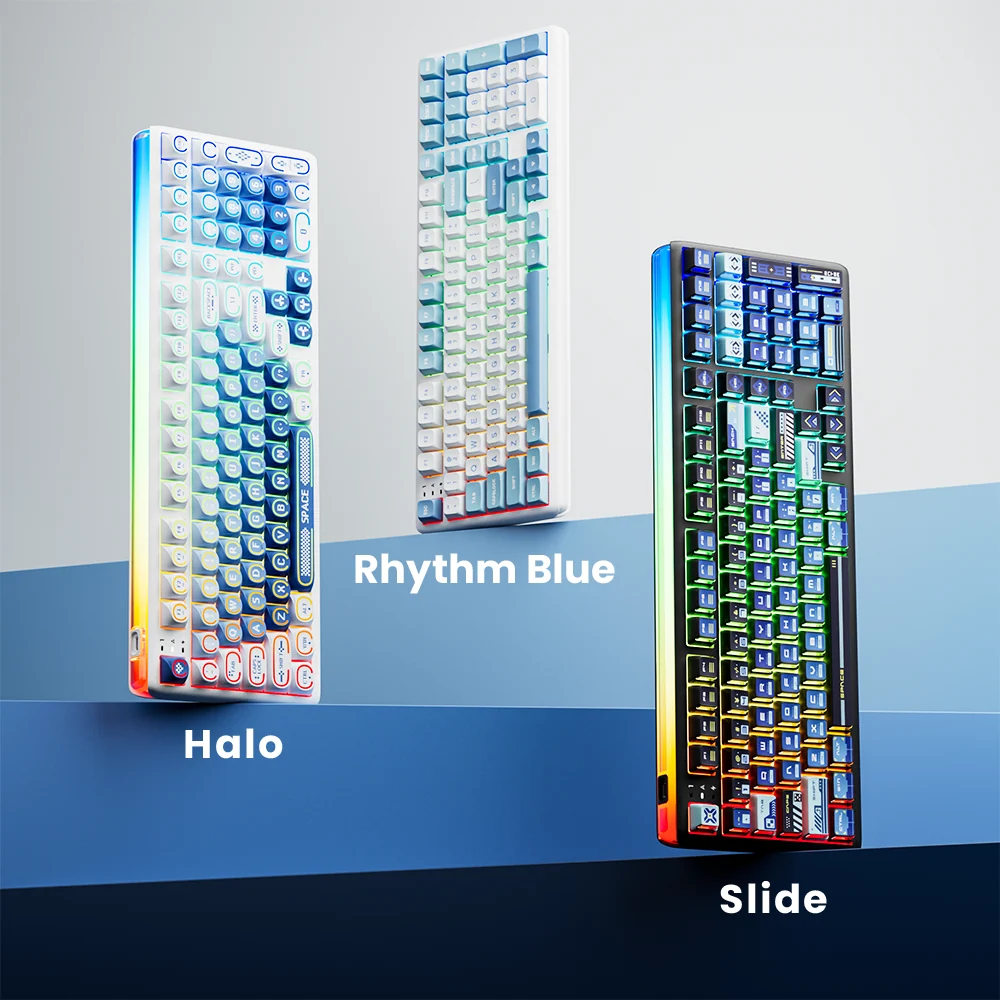
Key backlighting and side lighting also let the keyboard contribute to the room’s mood. You could choose cool blue for an Alliance-inspired desk, red for a Horde-themed corner, or green, gold, or violet around a favorite class fantasy. These are personal styling ideas, not official game editions.
The built-in 10,000mAh battery supports a flexible desk arrangement, although runtime depends on lighting, connection mode, polling rate, and usage. For a mechanical keyboard for WoW, the R99 offers more than inputs: switching on its lighting can become part of the ritual of logging in.
Build Your Own Corner of Azeroth
A cohesive setup does not require licensed artwork or a room makeover. Start with reversible decisions:
- Choose one visual theme. Match the R99 lighting to a faction- or class-inspired palette while keeping the rest of the desk restrained.
- Set the mouse for control. Use a sensitivity you can repeat comfortably during camera turns and interface work.
- Test headset modes in real activities. Compare stereo and Virtual 7.1 during exploration, combat, and voice chat.
- Organize keybinds by frequency. Keep repeated combat and movement inputs easy to reach, using the full layout for secondary commands.
- Charge before group content. Check the R99 and HG105 before a planned session rather than after the invitation arrives.
These steps make the equipment easier to live with, whether you are clearing one quest hub or spending an evening with your guild.
Is This Trio Right for Your Setup?
The MG6 Pro, HG105, and R99 work together if you want more than isolated specifications. The mouse handles responsive control, the headset combines game audio with communication, and the keyboard supports keybinds while giving your desk a personal identity.
You do not need every available feature to enjoy the game. Dual 8K polling, virtual surround processing, and extensive lighting controls are options to tune, not requirements for playing well. The best setup remains comfortable and understandable after the novelty wears off.
For a returning player, that can mean an easier way back into group content. For a long-time fan, it can make an ordinary evening feel like a deliberate return to Azeroth.
Frequently Asked Questions
Can you play WoW: Forever with a keyboard and mouse?
Yes. Blizzard’s official starter guide lists keyboard-and-mouse play on Windows and Mac. Controller support is available in a beta state, but a keyboard remains useful for activities such as in-game chat.
Is Virtual 7.1 necessary for World of Warcraft?
No. Compare it with stereo using your own game audio and voice chat, then keep whichever presentation sounds clearer and more comfortable.
Do you need an 8K keyboard for WoW?
No. Comfortable keybinds, dependable input, and a suitable layout matter more for most players. The R99’s Dual 8K support is an additional performance feature, not a requirement.
What is the best RGB color for a WoW-themed desk?
Blue and red are easy starting points for Alliance- or Horde-inspired themes. Green, gold, and violet can reflect a class or zone you enjoy. A restrained palette usually works best over time.